WhatsApp Hacked? Signs to Look For & What to Do Next?
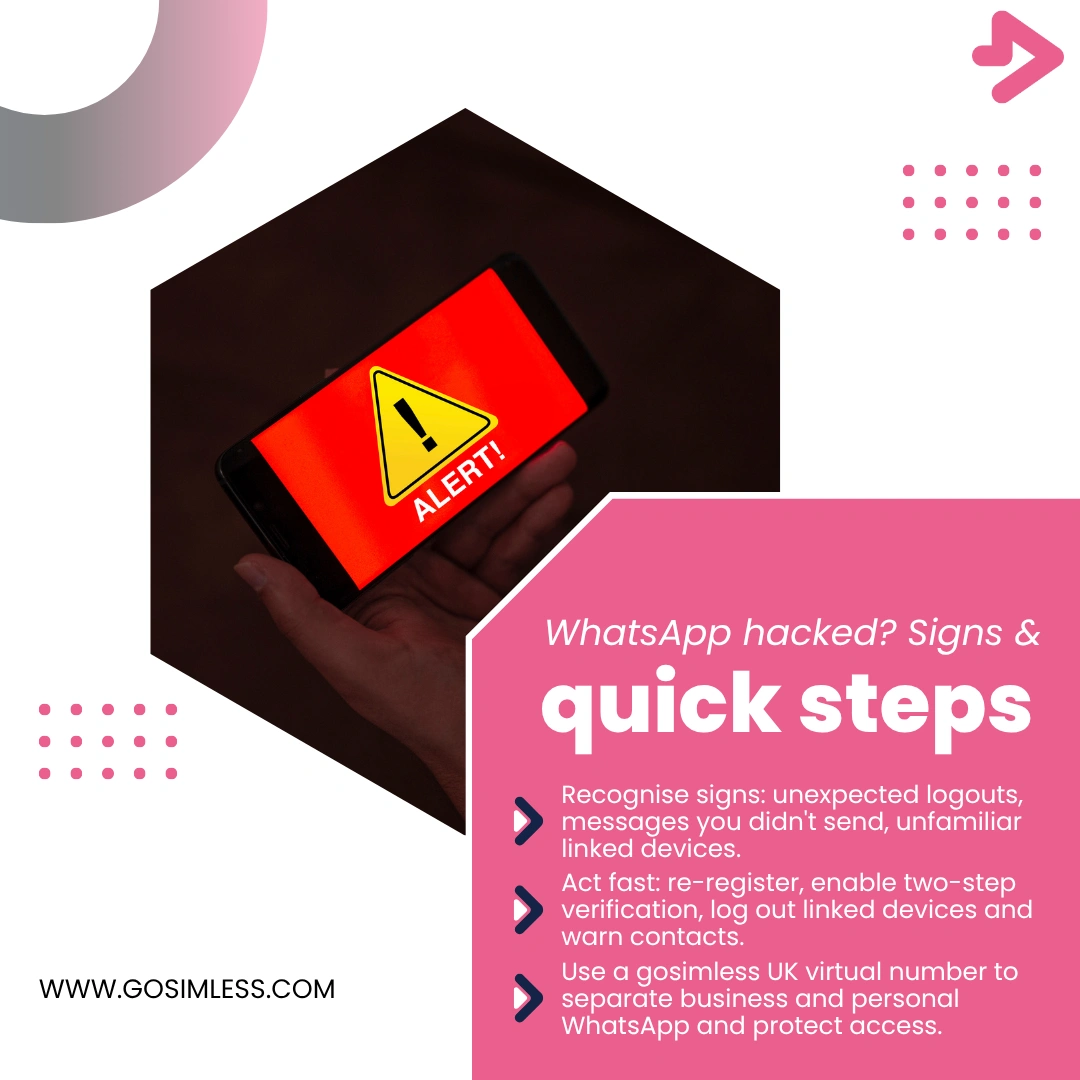
Think your WhatsApp was hacked? Spot the signs, recover access and secure your account on Android, iOS and Web. Protect business chats with a UK virtual number.
If you rely on WhatsApp for personal chats or your business communications, discovering that your account may have been hacked can be a nightmare. From strange messages being sent in your name to losing access altogether, cybercriminals can cause real disruption. This article will guide you through the warning signs of a hacked WhatsApp account, explain how it usually happens, and give you practical steps to regain control-whether you use WhatsApp on Android, iOS, or Web/Desktop.
How can a WhatsApp account be hacked?
Although WhatsApp uses end-to-end encryption, accounts are not immune to hacking. Most breaches happen because someone has gained access to the one-time verification code or tricked you into giving it away. Common techniques include:
- SIM swapping: fraudsters convince your mobile provider to transfer your number to a new SIM.
- Phishing messages: links that prompt you to “verify your account” or “unlock features” lead to fake sites.
- Social engineering: someone pretending to be a friend or even WhatsApp support asking for your verification code.
- Malware or spyware: installed on your device to intercept messages or verification attempts.
The bottom line: hackers usually need your six-digit verification code to hijack your WhatsApp, which makes protecting your number and never sharing codes essential.
What are the signs that your WhatsApp account has been hacked?
Recognising the red flags early can help you act quickly. Here are the most common warning signs:
1. You are logged out unexpectedly
If WhatsApp suddenly asks you to re-verify your number without you uninstalling or updating the app, it may mean someone else has tried to log in on another device.
2. Messages you didn't send
Friends, family, or customers report receiving strange messages from your account. These may include suspicious links, money requests, or unusual offers.
3. New contacts or chats appear
If you see unknown numbers in your chat list, or conversations that you never initiated, it could be a sign that your account is compromised.
4. Your linked devices list looks different
On both Android and iOS, you can check “Linked Devices”. If you see unfamiliar computers or browsers connected, someone may be monitoring your chats through WhatsApp Web or Desktop.
5. Two-step verification was changed without your knowledge
If you enabled two-step verification but find the PIN has been altered, this suggests an intruder has taken control of your account settings.
6. Friends receive OTP requests involving your number
Hackers may attempt to reset other accounts (e.g. Facebook, PayPal) using your WhatsApp number. If your contacts mention receiving such requests, your number could be in play.
What should you do immediately if your WhatsApp has been hacked?
Act quickly to minimise damage. The steps differ slightly depending on your device, so let's break them down.
Step 1: Re-register your number on WhatsApp
- Android: reinstall or open WhatsApp, enter your number, and request the SMS code. Enter it as soon as it arrives.
- iOS: do the same through the App Store version.
- Web/Desktop: once you've re-verified on your phone, any unauthorised web sessions will be disconnected.
Step 2: Enable two-step verification
- Go to Settings → Account → Two-step verification.
- Set a strong six-digit PIN.
- Add an email address for recovery in case you forget the PIN.
This prevents hackers from logging in again even if they somehow intercept another SMS code.
Step 3: Check linked devices
On your phone, open WhatsApp → Linked Devices.
Log out of all unfamiliar sessions, especially those on browsers or computers you don't recognise.
Step 4: Inform your contacts
Let your close contacts or business customers know your account was compromised. Warn them not to click suspicious links or share personal information.
Step 5: Report to WhatsApp
Send an email to support@whatsapp.com with the subject “Lost/Stolen: Please deactivate my account” and include your full phone number in international format (+44 for the UK).
WhatsApp may temporarily deactivate the account until you're ready to restore it.
How do you secure WhatsApp against future hacks?
Prevention is always better than cure. Here are measures that every user - whether on Android, iOS, or Web - should apply:
Use a dedicated UK virtual number
For businesses, separating your personal and work communications is vital. A UK virtual number from gosimless allows you to manage WhatsApp Business securely without tying it to your personal SIM. Because it is cloud-managed, you can keep control even if your phone is lost or replaced.
Never share your verification code
Even if someone claims to be WhatsApp support, they will never ask for your code. Treat it like your bank PIN.
Turn on two-step verification immediately
This simple feature adds a strong extra layer of protection against takeover.
Keep your email address updated in WhatsApp
This allows you to recover two-step verification and helps prove ownership if there is ever a dispute.
Review linked devices regularly
Check your list of linked devices in WhatsApp every few weeks and log out from anything unfamiliar.
Avoid suspicious apps and links
Only install WhatsApp from the official App Store or Google Play. Do not download “mods” or third-party versions that promise extra features.
What if you can't regain access to your WhatsApp?
Sometimes hackers change your two-step PIN or recovery email before you act. If that happens:
- Wait seven days: after this period, you can sign in without the attacker's two-step PIN.
- Email WhatsApp support with your number and proof of ownership.
- Ask your mobile provider to check for SIM swap activity.
If the number itself has been stolen via SIM swap, contact your bank immediately, as criminals may use it to reset your financial accounts.
How to check for hacks across Android, iOS, and Web
On Android
- Open WhatsApp → tap three dots → Linked devices.
- Check active sessions.
- Go to Settings → Account → Two-step verification to confirm it's enabled.
On iOS
- Open WhatsApp → Settings → Linked devices.
- Review active devices.
- Confirm two-step verification is turned on under Settings → Account.
On WhatsApp Web/Desktop
If you're still logged in, check the top of the chat list for your active device.
If you see an unknown session, log out immediately and reset your phone's security.
Why businesses should take WhatsApp security seriously
For small businesses, WhatsApp Business is often the primary channel for customer communication. A hacked account could mean:
- Customers receiving fraudulent messages or scams in your name.
- Loss of trust and damage to your brand reputation.
- Disruption to bookings, orders, or payments managed via WhatsApp.
Using a dedicated gosimless UK virtual mobile number ensures you maintain control, separate personal and business identities, and keep a recovery path open.
Frequently asked questions about hacked WhatsApp accounts
Can a hacker read my old chats?
If someone takes over your account on their device, they cannot see your chat history unless they have access to your phone backups. Old chats are not automatically transferred to new devices.
What happens if a hacker enables two-step verification before me?
You may be locked out for seven days. After that, you can log back in, but the hacker could cause damage in the meantime.
Can WhatsApp support restore my chats after a hack?
No. Chat history is only restorable from backups you made via Google Drive (Android) or iCloud (iOS).
Does deleting my WhatsApp account stop the hacker?
Deleting your account removes it completely from WhatsApp's system, but it also erases your chats and groups. Try re-registering first before considering deletion.
Is WhatsApp Business more secure than personal WhatsApp?
Both use the same security infrastructure. However, with gosimless you can use a dedicated number and manage access more carefully, which makes WhatsApp Business less risky.
Stay alert and take control
A hacked WhatsApp account is stressful, but most of the time it can be recovered if you act quickly. The most important actions are to re-register your number, enable two-step verification, and inform your contacts. For businesses, using a dedicated UK virtual number from gosimless provides an extra layer of protection, ensuring your customer communications remain professional and secure.
Take control today: Get your UK virtual number from gosimless