WhatsApp Ads Explained: What Are 'Click to WhatsApp' Ads?
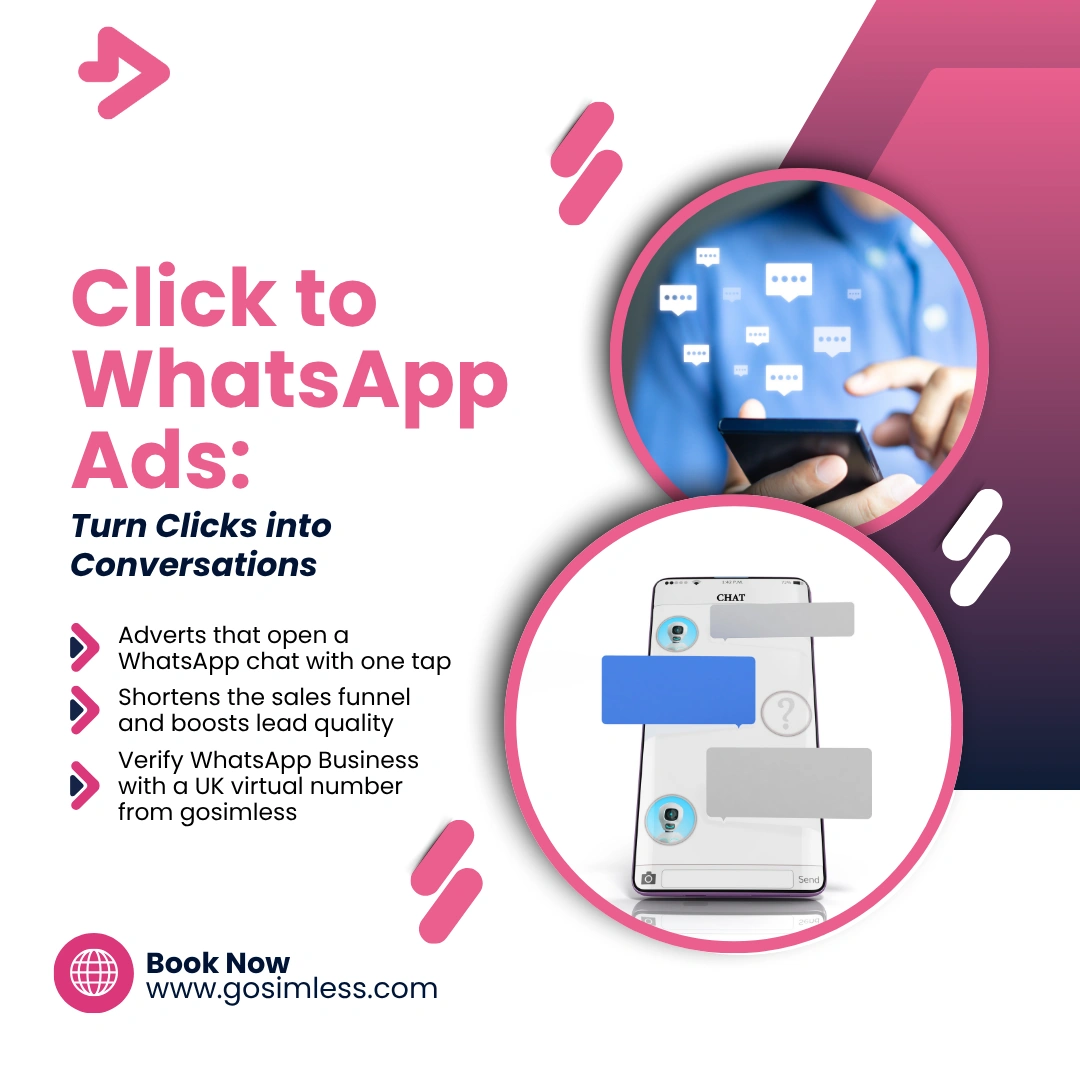
How 'Click to WhatsApp' ads work, why UK businesses use them, and how to set them up to boost engagement and drive real customer conversations.
The line between advertising and direct communication is blurring. Businesses no longer want to just display ads - they want conversations. That's where "Click to WhatsApp" ads come in. These clever Meta ads allow people to message a business directly in WhatsApp with a single tap, making it easier than ever to turn interest into meaningful interaction.
This guide breaks down everything you need to know about WhatsApp ads - how they work, how to set them up, what benefits they offer, and why they've become a must-have tool for UK businesses.
What Are "Click to WhatsApp" Ads?
"Click to WhatsApp" ads are Meta (Facebook and Instagram) adverts that include a direct link to start a WhatsApp chat with your business. When someone taps the ad, they're taken straight into a WhatsApp conversation - no forms, no waiting, just an instant messaging window.
Instead of sending users to a website or landing page, the ad opens a conversation thread where you can answer questions, share catalogues, take bookings, or close sales. It's one of the simplest ways to start a real-time conversation with potential customers.
Essentially, these ads bridge social media discovery with personal communication, turning likes and impressions into genuine leads.
How Do "Click to WhatsApp" Ads Work?
At a technical level, "Click to WhatsApp" ads connect your WhatsApp Business account to Meta Ads Manager. When you create an ad, you choose WhatsApp as the destination rather than your website.
- Here's what happens behind the scenes:
- You create a Facebook or Instagram ad campaign in Meta Ads Manager.
- You select an objective such as Messages, Traffic, or Sales.
- When choosing the call-to-action, you pick "Send Message" → "WhatsApp".
- Meta generates a unique click-to-chat link using your WhatsApp Business number.
- When users tap the ad, WhatsApp opens automatically (on mobile) or in a web browser (on desktop).
The user sees a pre-filled message or greeting and can start chatting right away.
This design makes it frictionless for customers to engage - they don't need to leave the app they're browsing in or fill out any forms.
Why Are UK Businesses Using WhatsApp Ads?
The UK is one of WhatsApp's most active markets, with over 40 million users. It's the default way many people communicate with friends, family, and - increasingly - brands.
For UK businesses, "Click to WhatsApp" ads are attractive because:
- They build trust: Users feel more comfortable chatting on WhatsApp than submitting a web form.
- They shorten the sales funnel: A click leads straight to conversation - not a bounce-prone webpage.
- They improve personalisation: Each interaction feels one-to-one, allowing you to tailor responses.
- They suit local businesses: Tradespeople, cafes, delivery services, and real estate agents all benefit from instant, casual communication.
From small high-street shops to large e-commerce brands, WhatsApp ads are quickly becoming the preferred way to turn digital engagement into loyal customers.
How to Set Up a "Click to WhatsApp" Ad
Creating a "Click to WhatsApp" ad is straightforward, but you'll need a WhatsApp Business account and Meta Business Manager access first. Here's a full walkthrough:
1. Link Your WhatsApp Business Account
- Go to Meta Business Suite and navigate to Business Settings → Accounts → WhatsApp Accounts.
- Add your verified business phone number (it can be a virtual number, as long as it can receive verification).
- Once linked, Meta can display your WhatsApp details within your ads.
2. Create a Campaign
- In Ads Manager, click Create Campaign and choose an objective that supports messaging (e.g. Messages or Sales).
- Give your campaign a clear name - for example, "Click to WhatsApp – Autumn Sale".
3. Define Your Audience
- Choose targeting options like location, age, gender, interests, or behaviours.
- For UK campaigns, consider local targeting - for example, "London-based home improvement enthusiasts".
4. Set Up the Ad Format
- Choose whether to run your ad on Facebook, Instagram, or both.
- Select your ad creative (images, carousel, or video).
- Include a clear call to action such as "Chat on WhatsApp" or "Message us now".
5. Add the WhatsApp Destination
- In the Messaging Apps section, choose WhatsApp.
- Select your linked WhatsApp Business number.
- You can also add a pre-filled message, like "Hi! I'd like to learn more about your services."
6. Review and Publish
- Check your targeting, budget, and creative.
- Click Publish - and your ad will start showing within minutes.
How "Click to WhatsApp" Ads Look on Different Devices
Since WhatsApp is available across Android, iOS, and desktop, it's important to understand how the experience varies slightly by platform.
On Android
When someone clicks the ad, it automatically opens the WhatsApp app if installed. The chat window appears instantly, with your business name, logo, and pre-filled message visible. Android users can also view your catalogue if you've added one.
On iPhone (iOS)
The flow is nearly identical. The ad opens WhatsApp directly, though iOS users may see a quick confirmation screen first ("Open in WhatsApp?"). Once opened, they're inside the chat - no extra steps required.
On Desktop or WhatsApp Web
If a person clicks the ad from a computer, Meta redirects them to web.whatsapp.com. They can then chat through the browser or open the WhatsApp Desktop app. It's seamless, but slightly less immediate than on mobile, so make sure your greeting message encourages quick replies.
What Are the Benefits of "Click to WhatsApp" Ads?
The biggest benefit of these ads is that they convert interest into conversation instantly. But there's more to it than convenience.
1. Higher Engagement Rates
Messaging feels more personal than filling in a form. Meta reports that businesses using WhatsApp ads often see significantly higher click-through and response rates.
2. Better Lead Quality
Since people are voluntarily starting a chat, they're already interested. You can qualify leads faster and avoid irrelevant clicks.
3. Faster Conversions
Whether it's answering a quick product question or confirming a booking, messaging removes unnecessary friction. Conversations can lead directly to a sale or appointment.
4. Improved Customer Relationships
A WhatsApp chat doesn't have to end when the sale does. You can follow up, share updates, or send loyalty offers later.
5. Integration with Automation Tools
Pair your WhatsApp Business account with chatbots, quick replies, and catalogues to handle routine enquiries while staying responsive.
How to Track and Measure Results
Performance tracking is key to understanding ROI. Meta offers detailed metrics for "Click to WhatsApp" campaigns, helping you monitor how effectively your ads drive conversations.
Look out for:
- Message conversations started (how many people initiated a chat)
- Cost per conversation (how much each chat costs)
- Reply rate (percentage of people who get a response)
- Sales or bookings from chat (if tracked through CRM or pixel integration)
You can also connect Meta Pixel or Conversions API to track events triggered after a chat, such as website visits or purchases.
Common Issues and How to Fix Them
Even well-set-up campaigns can hit a few snags. Here are some common issues and how to resolve them:
1. WhatsApp Not Connected Properly
If your ads aren't delivering messages, double-check that your WhatsApp Business account is linked in Meta Business Manager and that your phone number is verified.
2. Wrong Country Code
Always include your +44 country code when adding your UK number. Missing it may cause the chat link to break.
3. Ad Disapproval by Meta
Ensure your ad text complies with Meta's Advertising Policies - no misleading claims, prohibited products, or restricted terms.
4. Low Engagement
Experiment with new creatives, more personal messages, or limited-time offers. Also, ensure someone replies quickly - WhatsApp users expect near-instant responses.
Are "Click to WhatsApp" Ads Safe and Compliant?
Yes - provided you use WhatsApp Business correctly. Conversations are end-to-end encrypted, and users must actively choose to message you.
Under the UK GDPR, you must:
- Use personal data for legitimate business purposes only.
- Avoid sharing sensitive information in chat.
- Respect user consent if storing data elsewhere.
WhatsApp's Business API and Meta's Ads Manager are designed to meet these compliance standards, making them safe for most SMEs and marketing teams.
Best Practices for UK Businesses
To get the best results, treat WhatsApp like a relationship-building channel, not just a sales tool.
- Respond quickly. WhatsApp users expect replies within minutes, not hours.
- Use an authentic tone. Write messages that sound human, not scripted.
- Add a business profile. Include your logo, address, and website for credibility.
- Automate smartly. Use greeting messages and quick replies to save time.
- Leverage a verified UK number. It reassures users that you're legitimate - and ensures messages deliver reliably.
If you don't want to use your personal number, you can use a UK virtual mobile number or a virtual UK landline number from providers like gosimless to verify your WhatsApp Business account safely and keep business chats separate.
Examples of "Click to WhatsApp" Ads That Work
1. Local Retailer
A London-based florist runs Instagram ads with the headline "Need same-day flowers?" and a WhatsApp button saying "Chat for quick delivery." Customers click, send a message, and get an instant quote.
2. Home Services
A plumbing company uses "Click to WhatsApp" Facebook ads during peak winter months. Their pre-filled message says, "Hi, I've got a leak - can you help?" Quick responses turn emergencies into confirmed jobs.
3. Online Boutique
An e-commerce shop runs video ads showcasing new fashion arrivals. Each ad ends with "Ask about sizes on WhatsApp". This approach drives high engagement from shoppers seeking fit advice.
These examples show that success lies in simplicity, immediacy, and relevance.
The Future of WhatsApp Advertising
Meta is steadily expanding WhatsApp's advertising features. Businesses can now showcase product catalogues directly within chat, run Multi-Agent support for larger teams, and integrate AI-powered message suggestions.
Future updates may include payment links, booking tools, and deeper CRM integration, making WhatsApp not just a chat app but a full marketing and sales channel.
As privacy rules tighten and users reject spammy email marketing, conversational advertising - especially through WhatsApp - is set to become the next big wave in UK digital marketing.
Start Connecting with Customers the Smart Way
"Click to WhatsApp" ads are more than a trend; they're a signal that customers want conversation over clicks. By making it effortless to start a chat, they help businesses build relationships faster, improve lead quality, and increase sales - all within a trusted messaging environment.
If you're setting up WhatsApp Business for the first time, make sure your account is verified with a reliable UK mobile number. Services like gosimless can help you obtain a virtual UK number for WhatsApp verification, keeping your business communication secure, professional, and ready to scale.