How to Use QR Codes & Short Links in WhatsApp Business
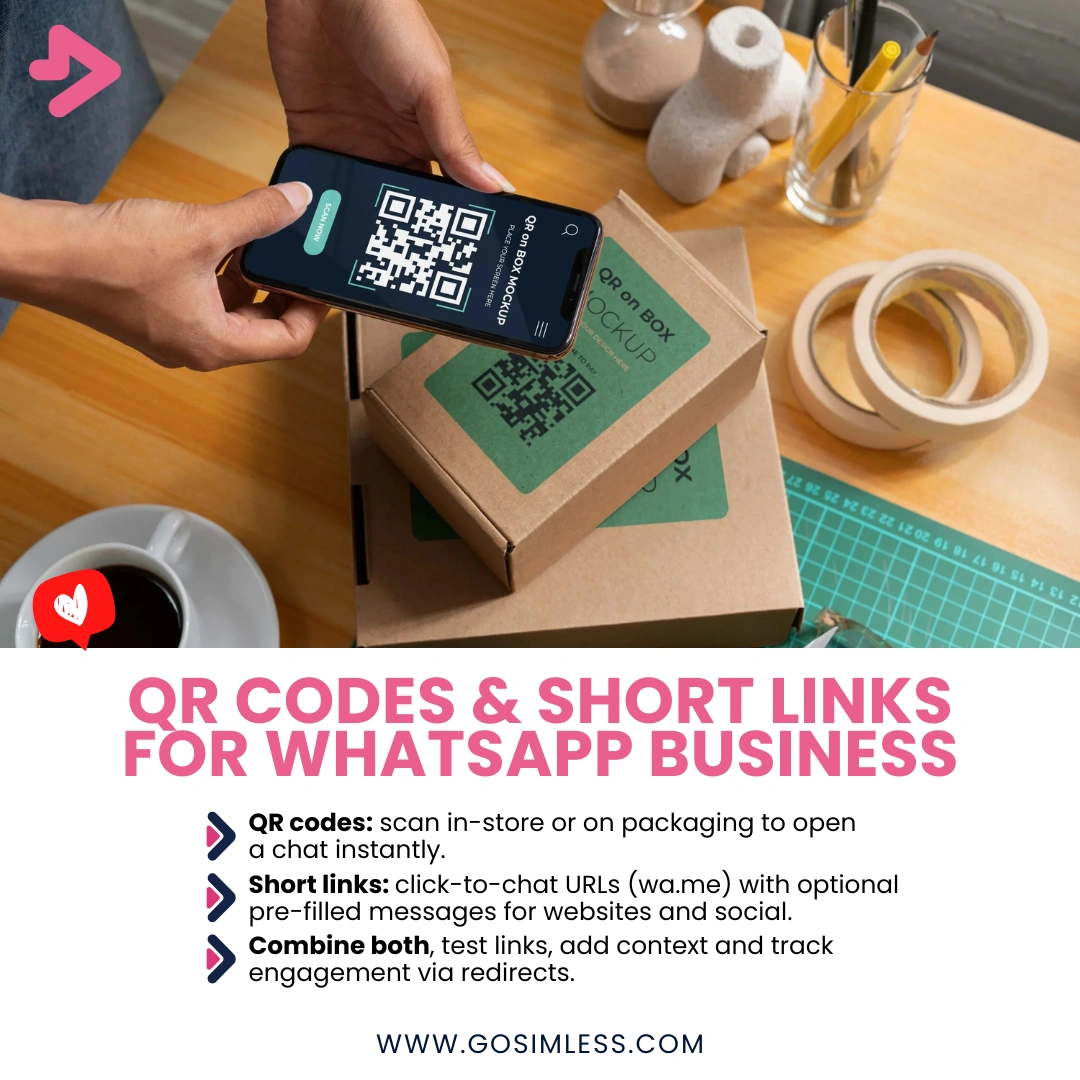
Create and share QR codes & short links in WhatsApp Business. Step-by-step setup for Android, iOS & Web. Small business guide.
Businesses in the UK and beyond are constantly looking for easier ways to connect with their customers. WhatsApp Business offers two powerful features that make this possible: QR codes and short links. These tools allow you to share your WhatsApp Business profile in just one step, removing the hassle of asking customers to manually add your number to their contacts.
A QR code can be printed on marketing material, shop windows or product packaging so that customers can scan and instantly open a WhatsApp chat with your business. Short links, on the other hand, provide a simple, shareable URL that can be placed on websites, social media or even email signatures. Together, they streamline the way customers reach you, improving engagement and reducing friction.
What is a WhatsApp Business QR code?
A WhatsApp Business QR code is a unique code that represents your business profile. When scanned with a smartphone, it automatically opens a chat window with your company in WhatsApp. This feature eliminates the need for a customer to type in your phone number or save your contact details.
For businesses, QR codes are particularly useful in physical settings - think cafés, retail shops, events or trade shows. Instead of handing out a card and hoping customers get in touch later, they can scan the code immediately and start chatting with your team.
How do you find your WhatsApp Business QR code?
On Android
- Open the WhatsApp Business app.
- Tap the More options icon (three dots) in the top-right corner.
- Select Business tools.
- Tap QR code.
- Your unique QR code will be displayed on screen. You can share it directly, save it to your phone, or print it.
On iOS
- Open the WhatsApp Business app.
- Tap Settings at the bottom right.
- Select Business tools.
- Tap QR code.
- The QR code for your profile will appear, ready to be shared or downloaded.
On WhatsApp Web
While WhatsApp Web itself doesn't provide a QR code option for your business profile, you can generate and download your QR code from your phone and then share the image file through WhatsApp Web or other platforms.
How do you share your WhatsApp Business QR code?
Once you've located your QR code, you can:
- Print it on leaflets, flyers, menus or packaging.
- Add it to digital marketing assets such as email newsletters or website banners.
- Display it on in-store posters or signage so customers can quickly start chatting while visiting your shop.
Many UK businesses also add QR codes to receipts or invoices, encouraging repeat customers to message them with questions or to reorder.
What is a WhatsApp Business short link?
A short link is a URL that directly opens a WhatsApp chat with your business. The format typically looks like:
wa.me/yourphonenumber
When a customer clicks it, they are taken straight to a chat window with you, whether on WhatsApp mobile or WhatsApp Web. You can also add a pre-filled message so that customers don't even have to type an opening line. For example:
wa.me/441234567890?text=I%20am%20interested%20in%20your%20services
How do you find your WhatsApp Business short link?
On Android
- Open the WhatsApp Business app.
- Tap More options → Business tools.
- Select Short link.
- You'll see your short link along with the option to create a default message.
On iOS
- Open the WhatsApp Business app.
- Go to Settings → Business tools.
- Tap Short link.
- Copy your link and customise it with a pre-written message if desired.
On WhatsApp Web
Currently, short link management must be done through the mobile app. Once generated, however, you can copy and paste the short link into messages or marketing campaigns while using WhatsApp Web.
Where can you use WhatsApp Business short links?
Short links are extremely flexible. You can place them:
- In social media bios on Instagram, Facebook or LinkedIn.
- As clickable buttons on your website or landing pages.
- Inside email signatures to provide customers with a direct contact method.
- On digital invoices, quotes or order confirmations.
- In online ads so potential customers can message you instantly.
How do QR codes and short links differ?
While both serve the same purpose - making it easier for customers to contact you - they shine in different contexts. QR codes are best for physical environments where scanning is easier than typing. Short links are ideal for online spaces where customers can simply click. Many businesses combine the two for maximum reach, ensuring customers can connect however they prefer.
Can you customise your QR codes and short links?
Yes, but with limitations. WhatsApp itself provides the default QR code and link, but businesses often enhance them using third-party tools:
- Custom QR codes: You can use QR code generators to add your brand colours, logo or a creative design. This makes them more eye-catching when printed.
- Short link redirects: While WhatsApp provides the basic wa.me link, you can create your own branded short link (e.g. gosimless.com/chat) that redirects to the wa.me URL. This looks more professional and memorable.
How do customers use QR codes and short links on different devices?
On Android
Customers simply open their camera app or a QR scanner to scan the code. For short links, clicking the URL in a browser or app will open WhatsApp automatically.
On iOS
The process is identical - the native camera app can scan QR codes, and tapping a link opens WhatsApp if installed.
On WhatsApp Web
Short links open a new chat window in the browser. If a customer scans a QR code with their phone, it still directs them to WhatsApp on their device, which can then be mirrored on the web version if they are logged in.
How do you add pre-filled messages to short links?
Adding a pre-filled message helps guide customer interactions. For example, instead of a blank chat, a user might see:
"Hi, I'd like to book a cleaning appointment for next week."
To do this, append ?text= followed by your message to the short link. Remember to replace spaces with %20. Example:
wa.me/441234567890?text=Hi%20I%20would%20like%20to%20know%20more%20about%20your%20pricing
How secure are QR codes and short links in WhatsApp Business?
Both QR codes and short links are safe when used correctly. They simply redirect to your WhatsApp Business account, and all chats are encrypted by WhatsApp. However, it's important to:
- Only share your official QR codes and short links.
- Avoid using third-party services that claim to generate WhatsApp numbers or links without authorisation.
- Regularly monitor incoming chats to spot potential spam.
What are the best practices for UK businesses?
- Combine online and offline usage – use short links in digital campaigns and QR codes in print.
- Test your links and codes – always scan or click them yourself before publishing.
- Add context – don't just show a QR code; explain “Scan to chat with us on WhatsApp.”
- Use pre-filled messages – guide customer interactions for smoother service.
- Track engagement – if you use a custom redirect, you can measure clicks and scans.
FAQs on WhatsApp Business QR codes and short links
Can I change my WhatsApp Business QR code?
No, your code is fixed to your account. However, you can reset it in the app, which generates a new one if you need to stop using the old code.
Can I create more than one short link?
No, each business account has one short link. You can, however, create different redirects that point to the same link.
Do QR codes expire?
No, QR codes remain valid until you reset them.
Can customers use QR codes without WhatsApp installed?
They'll be prompted to download WhatsApp before they can start chatting.
Can I track who scans my QR code?
WhatsApp does not provide analytics for QR code scans. If you use a third-party generator with a redirect, you may track engagements.
Can I use QR codes in Facebook or Instagram posts?
Yes, you can upload the image, but short links are usually more practical for social media.
Can I use QR codes and short links with WhatsApp Business API?
Yes, but the setup differs. API users typically generate deep links for automation.
What happens if I delete WhatsApp Business?
Your QR code and short link will no longer work once the number is inactive.